AI Sandbox
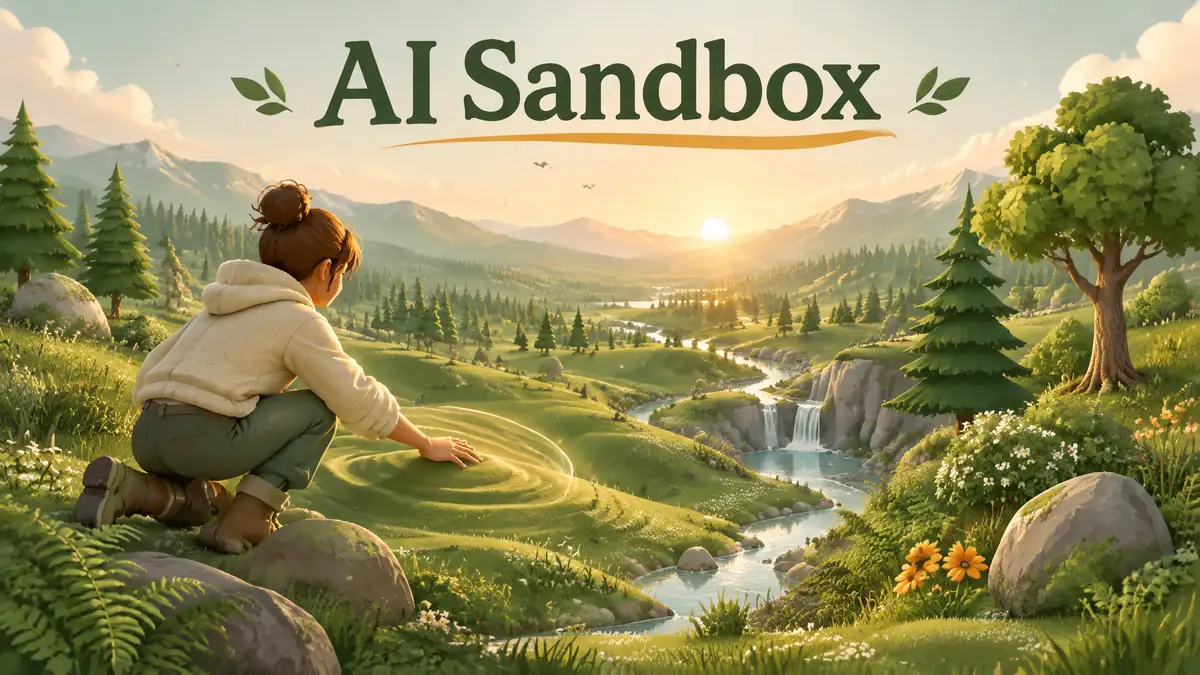
A 3D valley sandbox in golden-hour light where you raise hills, carve a creek, plant ferns, trees and flowers, then capture the view.
Made by @hamster_the_majestic
About AI Sandbox
AI Sandbox is a 3D valley you shape by hand, raising and lowering hills, carving creeks, and placing ferns, trees and flowers with a brush. You pick tools from a toolbar, adjust brush size, and move the camera around the terrain to build a scene, then capture the view as an image.
- Kind: Simulation, Creative and drawing, Places
- Played 18 times
- Published 2026-11-08
- Mode: single player
- Runs in a web browser, on a phone or a laptop. Free to play.
How to play AI Sandbox
Goal: There is no win condition, you freely sculpt and decorate the valley however you like.
Controls
- mouse or touch: apply the selected tool to the terrain
- Enter: confirm or activate a highlighted control
- Escape: close the capture or help panel
Your first game
- Choose a tool such as raise, lower, water or planting from the toolbar
- Click or touch the terrain to apply that tool
- Adjust brush size with the bracket keys for finer or broader changes
- Move the camera with W A S D or the arrow keys to see the whole valley
- Use the capture tool to save a picture of the scene you built
FAQ
What can you do in AI Sandbox?
You sculpt and decorate a 3D valley landscape using brush tools to raise or lower hills, carve creeks, and plant trees, ferns, and flowers. You can also navigate the camera around the terrain and capture images of your scene.
Is there a goal or win condition?
No, there is no win condition. You freely sculpt and decorate the valley however you like.
How do you control the tools and camera?
You select tools from the toolbar and apply them by clicking or touching the terrain. The camera moves with the WASD or arrow keys, and the bracket keys adjust your brush size.
Can you save an image of your landscape?
Yes, you can use the capture tool to save a picture of the scene you built.
More simulation games
- Realistic Fishing
- Big Laundry
- Gravel Rally World 1.0
- Gas Station Tycoon
- Fishcremental
- SHOPPING MADNESS: MISSION SAVE MATH CITY!
- Estationers
- Low Poly Simple Airport 2027 Year
- Teleoperator Airport Town
- Salamis Trireme
- Earth Impact - Astronaut View
- Yankee Pest Control