Bridges
Connect numbered islands with the required number of bridges.
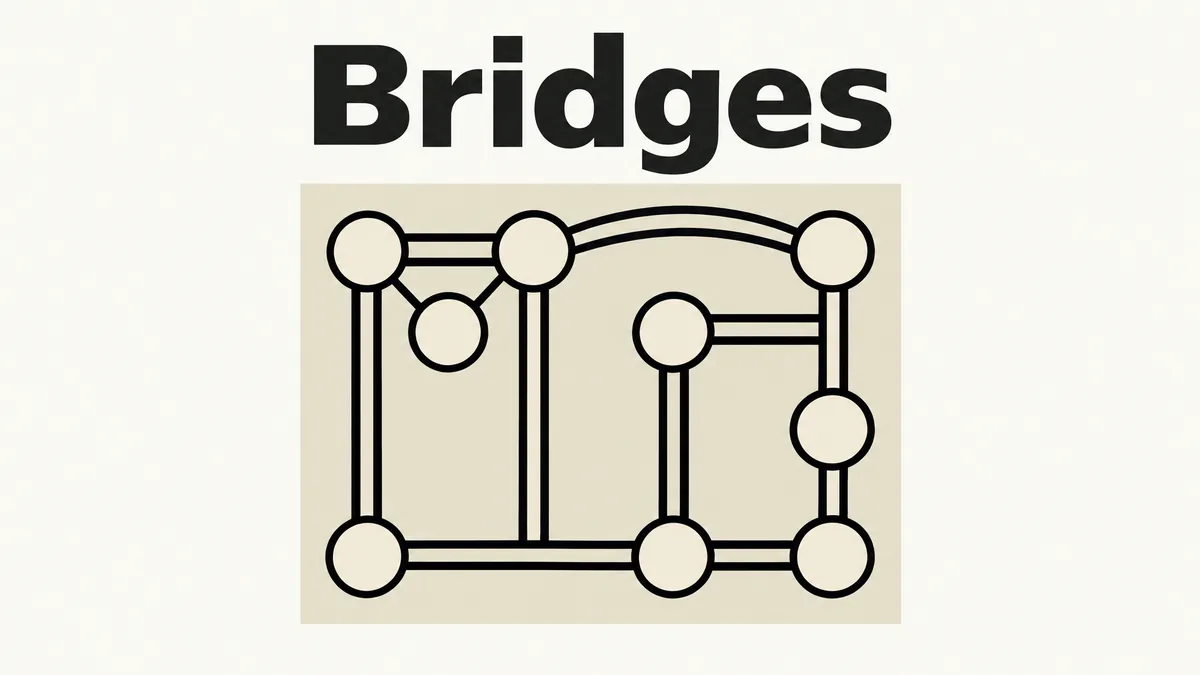
Made by Mindblown
About Bridges
- Kind: Puzzle
- Played 7 times
- Published 2026-11-02
- Mode: single player
- Runs in a web browser, on a phone or a laptop. Free to play.
How to play Bridges
Goal: Connect all islands with the exact number of bridges each one requires, following the puzzle's rules.
Controls
- mouse or touch: draw or select bridges between islands
- Escape: close the open menu or panel
Your first game
- Open a puzzle level from the menu
- Look at the number on each island to see how many bridges it needs
- Click or tap between two islands to draw a bridge connecting them
- Keep connecting islands until every island has its required number of bridges
- Press Escape to close any panel or menu when needed
FAQ
What is the goal of Bridges?
The goal is to connect all numbered islands using horizontal or vertical bridges so that each island's bridge count matches its number. Bridges cannot cross one another.
How do you control and draw bridges in the game?
You use mouse clicks or touch taps between islands to draw a bridge, add a second parallel bridge, or remove existing bridges. Pressing Escape closes any open menu or panel.
Is Bridges a multiplayer game?
No, Bridges is designed for single player.