Chess
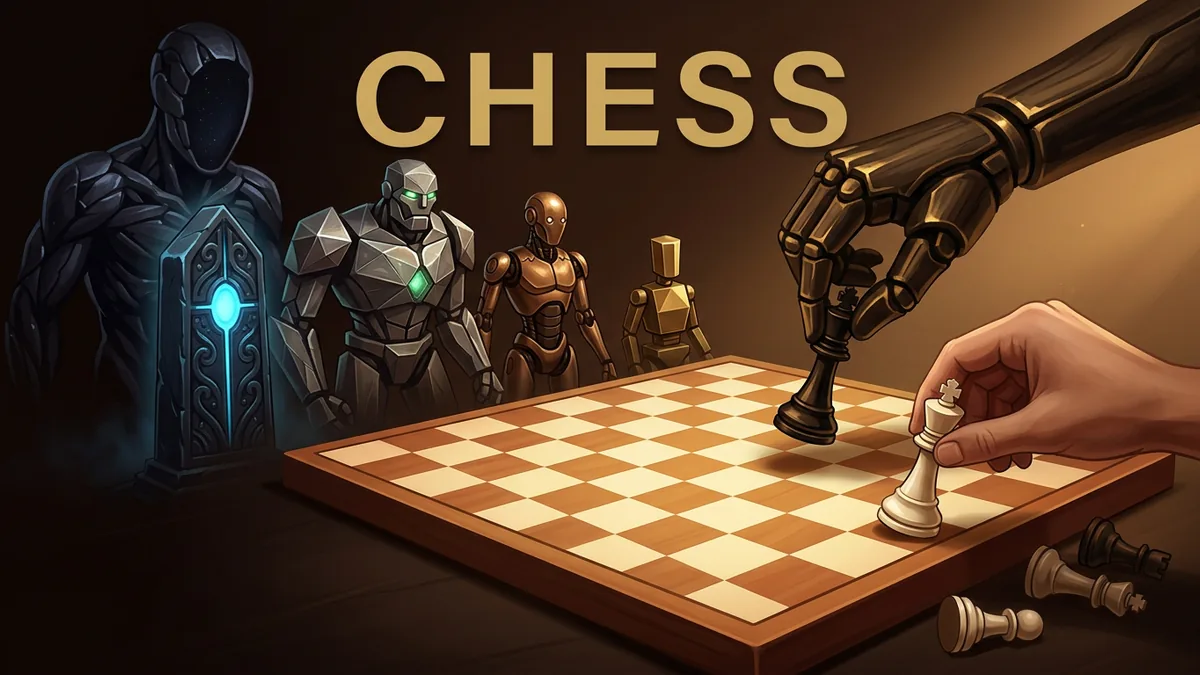
This is a chess game played against a computer opponent with adjustable difficulty levels. You click or tap a piece to select it, see its legal moves highlighted, and click a square to move. Promotions, castling, and check are handled as part of standard chess rules.
Made by MindblownAI
About Chess
- Kind: Strategy
- Played 56 times
- Published 2026-09-17
- Mode: single player against the computer
- Runs in a web browser, on a phone or a laptop. Free to play.
How to play Chess
Goal: Checkmate the opponent's king before they checkmate yours.
Controls
- mouse or touch: select a piece and click or tap a square to move it
- Escape: cancel a pending pawn promotion or deselect the current piece
Your first game
- Choose a difficulty level such as Novice, Casual, Club, Strong, or Master
- Click or tap one of your pieces to see its legal moves
- Click or tap a highlighted square to move the piece there
- If a pawn reaches the last rank, choose a piece to promote it to
- Continue making moves until checkmate, stalemate, or you resign or undo
FAQ
Can you play against other people?
No. The game is single-player only, played against a computer opponent.
What difficulty levels are available?
You can choose from five difficulty levels: Novice, Casual, Club, Strong, and Master.
How do you control the pieces?
Click or tap a piece to view its legal moves, then click a highlighted square to move it. You can press Escape to deselect a piece or cancel a pawn promotion.
Does the game follow standard chess rules like castling and promotions?
Yes. Standard rules including pawn promotion, castling, check, checkmate, and stalemate are handled by the game.
More strategy games
- Jogo da Velha
- Seed to Riches: Block City
- Starbase Swarm
- Streamer vs Chat
- The Anointed Four: Breaking of the Siege
- Emberfold: A Valley Restored