Commander Simulator
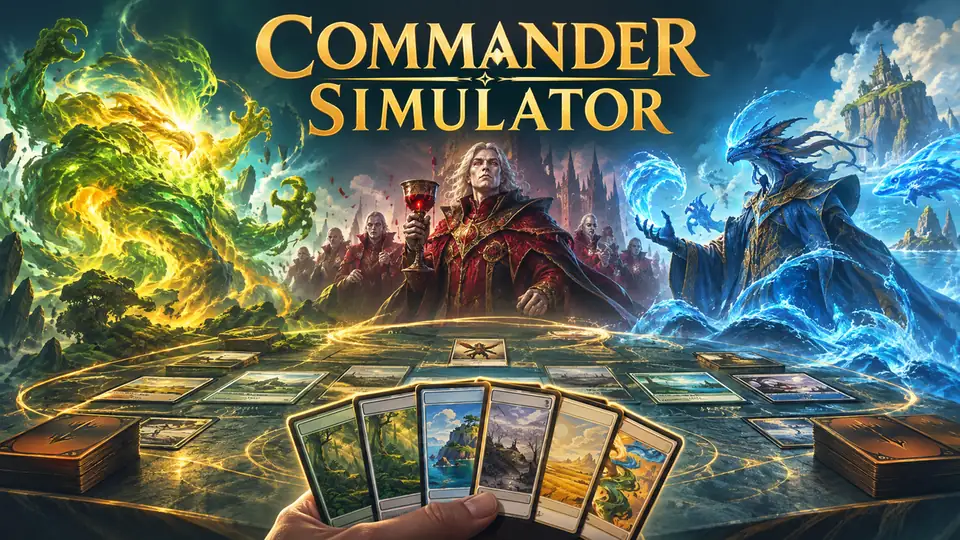
Play Magic: The Gathering Commander against computer opponents, with automatic turns, draw steps, choices and life totals, and build or import your own 100-card decks.
Made by @gazelle_the_amazing
About Commander Simulator
Commander Simulator lets you play a game of Magic: The Gathering's Commander format against computer opponents. Turns, draw steps, choices and life totals are handled automatically, and you can build or import your own 100-card decks.
- Kind: Card games, Strategy
- Played 29 times
- Published 2026-11-07
- Mode: single player
- Runs in a web browser, on a phone or a laptop. Free to play.
How to play Commander Simulator
Goal: Defeat the computer opponents by reducing their life totals or otherwise winning according to Commander rules.
Controls
- mouse or touch: select and play cards, interact with the battlefield and menus
- Enter: pass priority or confirm the main action when prompted
- Escape: close the card inspector or open panel
Your first game
- Build or import a 100-card Commander deck
- Start a game against computer opponents
- Play cards from your hand onto the battlefield during your turn
- Press Enter or Space to pass when waiting on the main action
- Use Escape to close card inspection or panels
FAQ
What is Commander Simulator?
Commander Simulator lets you play a card game against computer opponents. The simulator automatically handles turns, draw steps, choices, and life totals.
Can you use your own decks?
Yes, you can build or import your own 100-card decks.
Does the game support multiplayer?
No, it is a single-player game played strictly against computer opponents.
What are the controls?
You can select cards and interact with menus and the battlefield using mouse or touch controls. Enter passes priority or confirms the main action, and Escape closes open panels or the card inspector.
More card games games
- Night of the Bloodmoon
- war game
- Crazy Eights: Wild Card Showdown
- Belote
- Speed Card Game: Fast Hands
- Golf Card Game: Low Score Club
- Card Table
- Tavern Brawl Snap
- CHAOS CROWN
- Portau Cards
- 29 Card Game Demo
- LPairs