Dino Strike
A first-person co-op shooter set at a desert dig site. Fight Rift Raiders with friends and spend kill points to summon raptors, a T-rex or pteros.
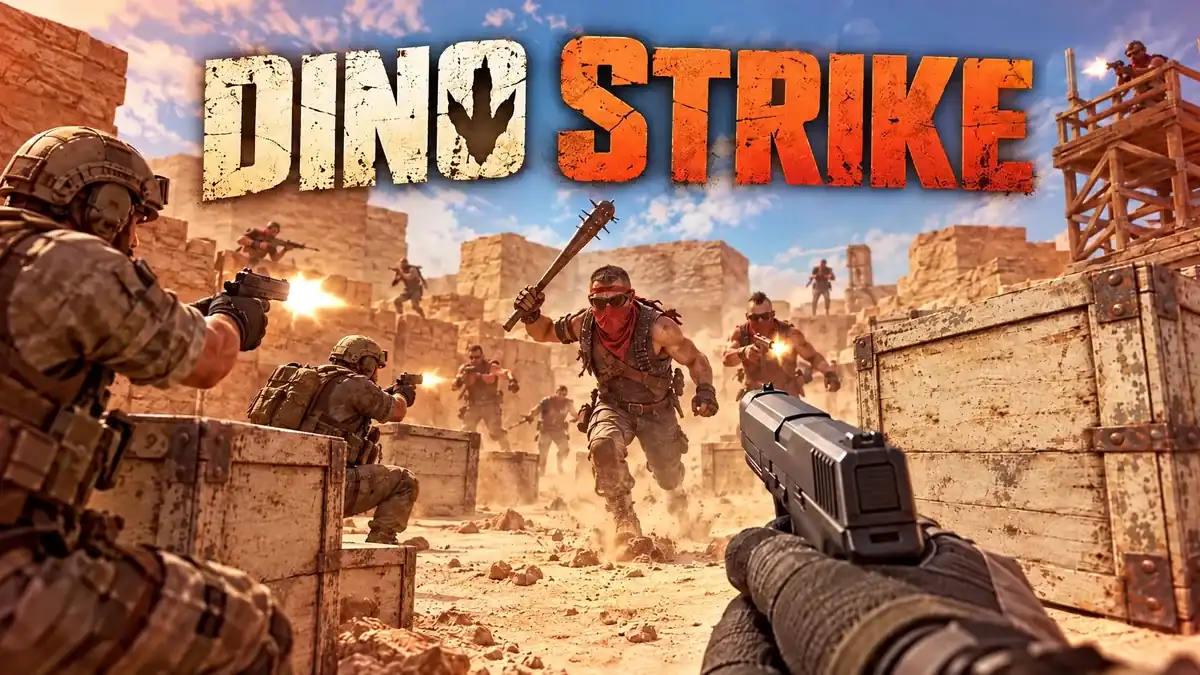
Made by Itlog
About Dino Strike
- Kind: Shooter, Multiplayer
- Played together: send somebody the link and you are both in.
- Played 22 times
- Published 2026-10-30
- Mode: single player
- Mode: multiplayer co-op with friends
- Runs in a web browser, on a phone or a laptop. Free to play.
How to play Dino Strike
Goal: Defeat the Rift Raiders and use kill points to call in dinosaur allies to help clear them out.
Controls
- mouse or touch: aim and shoot
- Enter: start the game or summon raptors, a T-rex or pteros
- R: reload weapon
- Q: use grenade equipment
- F: use medkit equipment
- E: use heal/other equipment
- 1 2 3: activate a perk
- X, Tab: cycle weapon
Your first game
- Press Enter to start the game
- Aim and shoot enemy raiders with the mouse or touch
- Press R to reload when low on ammo
- Collect kill points and press Enter to summon a raptor, T-rex or ptero
- Use Q, F or E for grenades or healing items as needed
FAQ
What kind of game is Dino Strike?
It is a first-person shooter set at a desert dig site where players battle enemy Rift Raiders. It offers both single-player and co-op multiplayer modes.
Can you play Dino Strike with friends?
Yes, Dino Strike supports co-op multiplayer alongside a single-player mode.
How do dinosaurs work in Dino Strike?
Defeating enemies earns kill points. You can spend those points by pressing Enter to summon raptors, a charging T-rex, or diving pterosaurs to help fight enemy raiders.
What are the controls for Dino Strike?
Use the mouse or touch to aim and shoot, R to reload, and X or Tab to switch weapons. Press Q, F, or E for equipment like grenades and healing, numbers 1 through 3 for perks, and Enter to start or summon dinosaurs.