Fandoom
Play Fandoom in your browser, a free-content take on the classic maze shooter. Fight through rooms and corridors, collect ammo and health, and reach the…
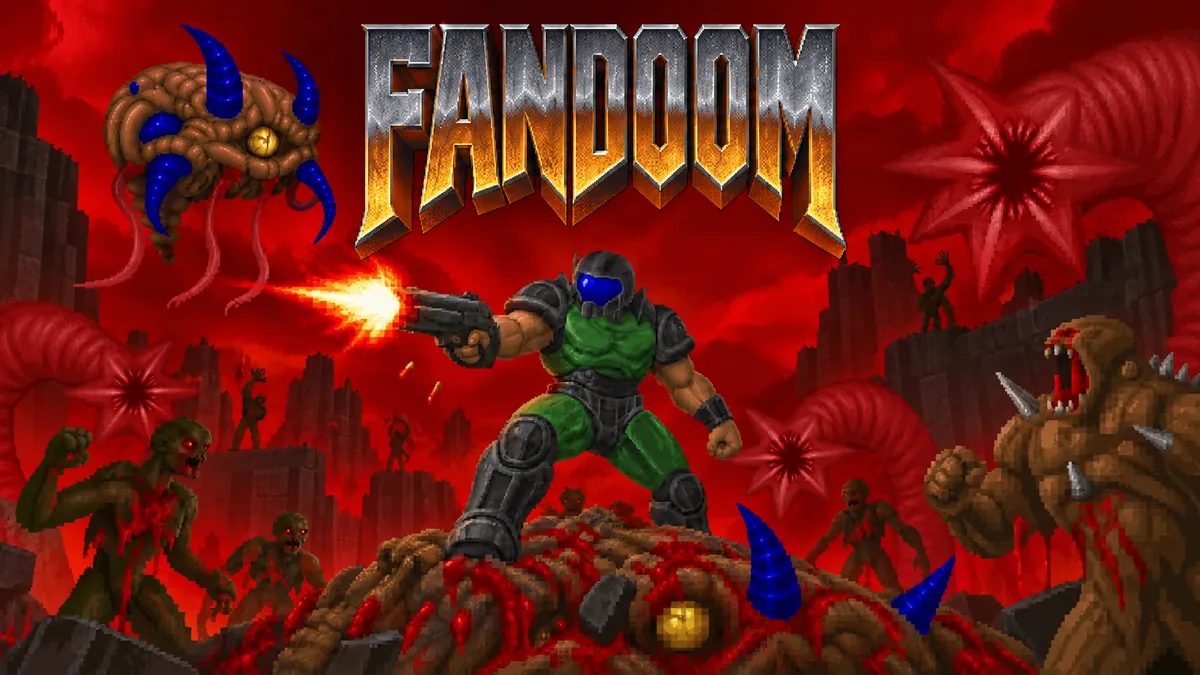
Made by Michael
About Fandoom
- Kind: Shooter, Remakes
- Played 18 times
- Published 2026-10-22
- Mode: single player
- Runs in a web browser, on a phone or a laptop. Free to play.
How to play Fandoom
Goal: Fight through each level and reach its exit.
Controls
- Arrow keys: move and turn
- Ctrl: fire weapon
- Space: use, open doors and flip switches
- Tab: show map
- Enter: confirm menu choices and skip intermissions
- Escape: open menu
- mouse or touch: move and fire via on-screen controls
- gamepad: move, fire and use
Your first game
- Start the level and move through the corridors with the arrow keys
- Fire at monsters with Ctrl as they appear
- Pick up ammo and health items along the way
- Use Space to open doors and flip switches
- Find and reach the level exit
FAQ
Do I need to install anything to play?
No. Fandoom runs straight in your browser tab, so you can start a level right away.
What kind of game is Freedoom?
It is a shooter remake and a free-content take on the classic maze shooter. You fight through rooms and corridors in a maze-style level.
How do I finish a level?
Every level has an exit. Find it and reach it to finish the level and move on to the next one.
What should I pick up along the way?
Ammo and health. Grab them when you find them as you push forward through each level.
How do I move and fight?
The controls are keyboard or touch, as shown in the game. Movement, fighting and pickups are all listed there.