Filling
Divide the grid into connected numbered regions; each number gives its region’s size.
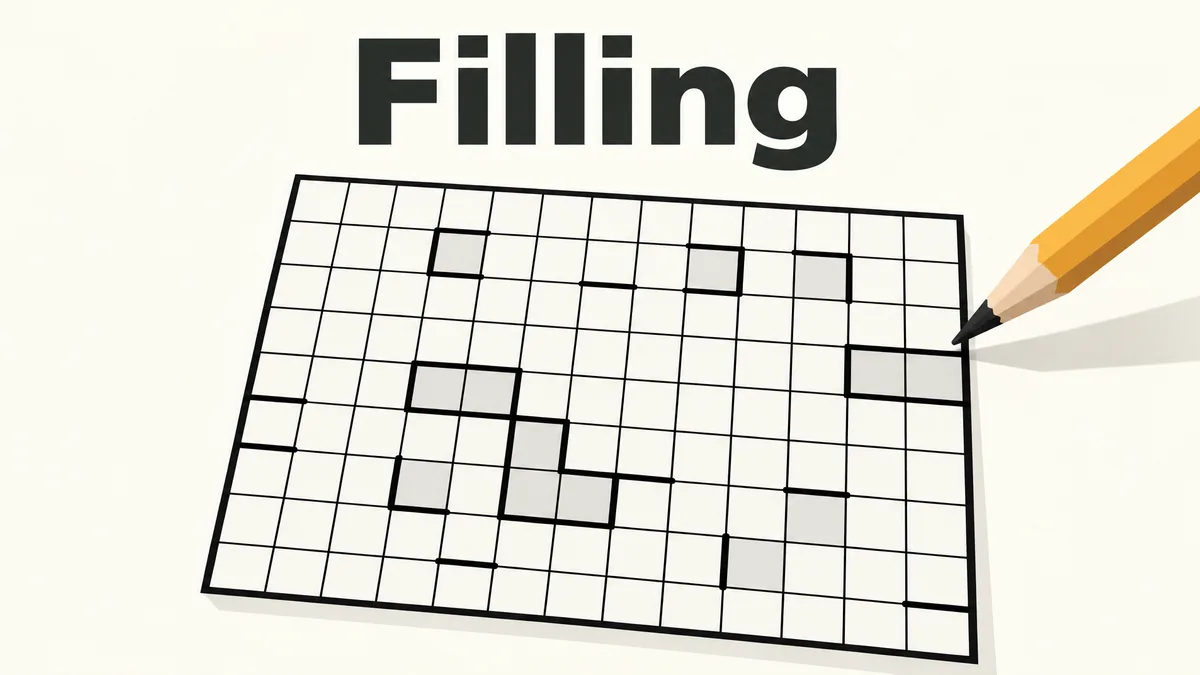
Made by Mindblown
About Filling
- Kind: Puzzle
- Played 12 times
- Published 2026-11-02
- Mode: single player
- Runs in a web browser, on a phone or a laptop. Free to play.
How to play Filling
Goal: Divide the entire grid into connected regions so that each region's size matches the number shown in it.
Controls
- mouse or touch: select or fill grid cells and pick number values
- Backspace: clear a cell
- Escape: close an open panel or menu
Your first game
- Look at the numbers already placed on the grid
- Click or tap a cell to start filling a region
- Choose a number value for the region using the number buttons
- Continue marking cells so each region's size matches its number
- Use Clear to undo a cell if needed
FAQ
What kind of game is Filling?
Filling is a single-player number puzzle from Simon Tatham's Portable Puzzle Collection played on a grid. Players fill empty squares with digits so each connected group of identical numbers forms a region equal in size to that number.
What is the goal of Filling?
The goal is to fill the entire grid so that every connected group of matching digits forms a region exactly as large as the digit itself.
How do you control the game?
Use a mouse or touch screen to select a square and pick a digit from the on-screen number pad, or enter numbers with a keyboard. Press Backspace to clear a selected square and Escape to close an open menu or panel.