Google Earth Drive
Tap the world atlas or type a place, then drive real 3D satellite ground from an overhead survey instrument.
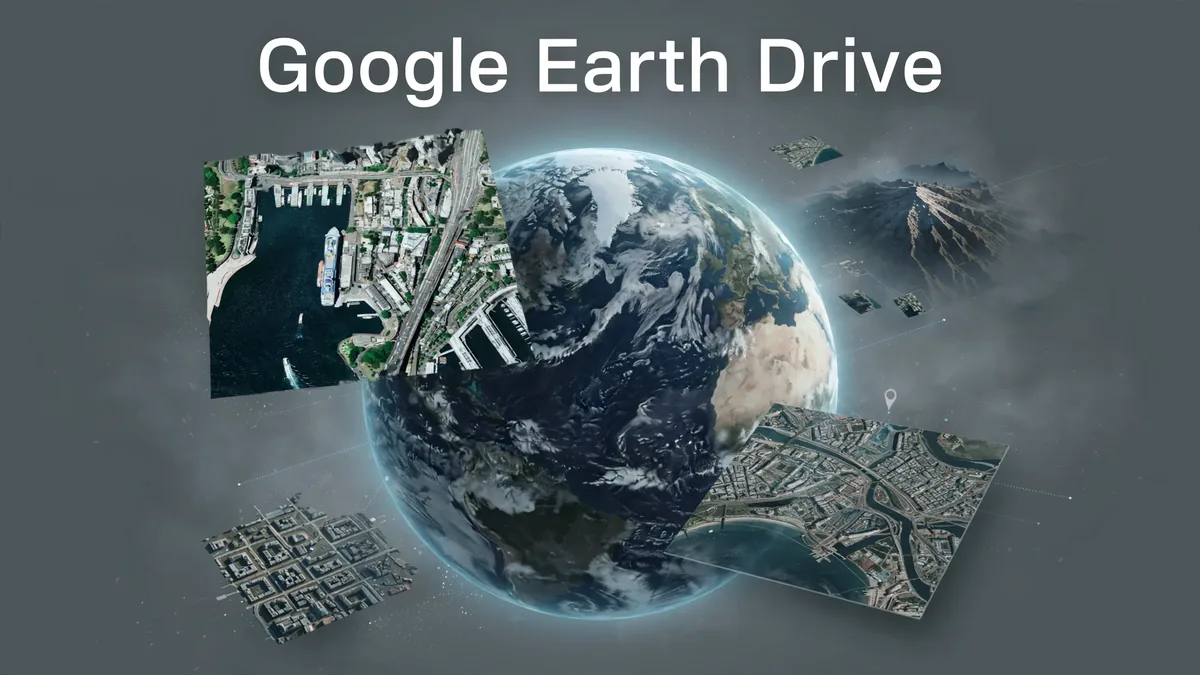
Made by Armaan Kullar
About Google Earth Drive
You pick a location on a 3D globe or type in a place name, then drop into a driving view built from real satellite imagery of that spot. You steer a car across the generated terrain, using an on-screen atlas to jump to new locations whenever you want.
- Kind: Simulation, Driving simulators, Places
- Played 403 times
- Published 2026-11-16
- Mode: single player
- Runs in a web browser, on a phone or a laptop. Free to play.
How to play Google Earth Drive
Goal: There is no set win condition, you simply explore real-world terrain by driving over satellite-derived ground.
Controls
- mouse or touch: pick a spot on the globe, type a place name, or tap controls to drive
- Up Arrow, Down Arrow: move through the list of place suggestions while searching
- M: open the atlas/search screen
- Escape: close the atlas or leave the search box
- R: reset the car
- N: turn sound on or off
- H: toggle the help screen
Your first game
- Open the atlas by tapping the globe or pressing M
- Type a place name or pick one from the suggestion list
- Confirm the location to drop into the 3D satellite terrain
- Drive the car around the generated ground
- Press R if you need to reset the car, or M again to search a new place
FAQ
What do you do in this simulation?
You pick a location on a 3D globe or search for a place name, then explore that area in a driving view created from real satellite imagery. You can open the atlas at any time to jump to different places around the world.
What is the goal?
There is no set win condition or objective. You simply explore real-world terrain by driving over satellite-derived ground.
What controls are used to navigate and drive?
You can pick locations and steer using mouse or touch controls. Keyboard shortcuts include M to open the atlas search, Escape to close it, R to reset the car, N to toggle sound, and H to view help.
Is there a multiplayer mode?
No, this is a single player experience.
More simulation games
- Realistic Fishing
- Big Laundry
- Gravel Rally World 1.0
- Gas Station Tycoon
- Fishcremental
- SHOPPING MADNESS: MISSION SAVE MATH CITY!
- Estationers
- Low Poly Simple Airport 2027 Year
- Teleoperator Airport Town
- Salamis Trireme
- Earth Impact - Astronaut View
- Yankee Pest Control