Horror Game: Ghungroo Haveli
Horror Game: Ghungroo Haveli is a short scary game. Find 5 diyas in a dark haveli at night and escape the ghost. Free in your browser, no download.
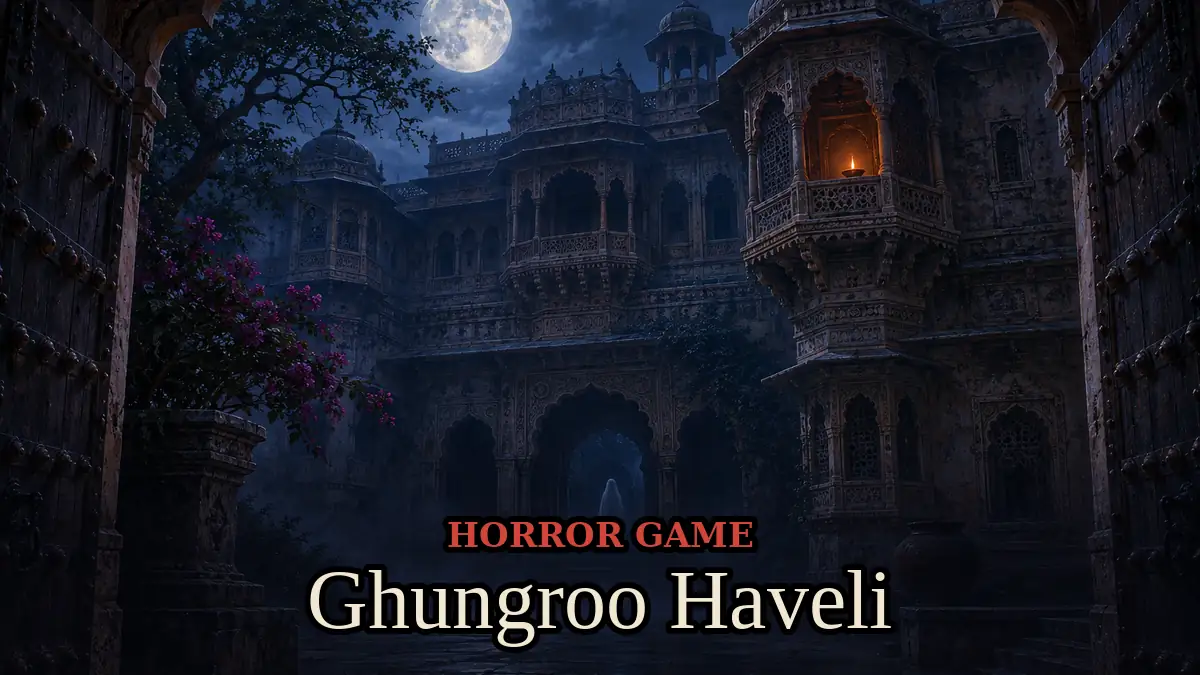
Made by Mary Hovsepyan
About Horror Game: Ghungroo Haveli
- Kind: Adventure
- Played 1 time
- Published 2026-11-13
- Mode: single player
- Runs in a web browser, on a phone or a laptop. Free to play.
How to play Horror Game: Ghungroo Haveli
Goal: Find all 5 diyas and escape before the ghost catches you.
Controls
- Arrow keys: move
- Space, F: toggle torch
- Escape, P: pause
- Enter: start or restart game
Your first game
- Press Enter, Space, or an arrow key to start
- Move through the haveli using the arrow keys
- Toggle your torch on and off with Space or F to see in the dark
- Search the rooms to collect all 5 diyas
- Avoid the ghost and escape the haveli
FAQ
Can I play this horror game online for free?
Yes. Ghungroo Haveli is free to play in your browser on a phone, tablet or computer. There is nothing to download or install.
Is this horror game too scary for kids?
It has dark rooms, creepy sounds and a jump scare when the ghost catches you, but no blood or gore. It suits teens. Turn on Less scary mode to remove the scary face, soften the scream and slow the ghost down.
How do you escape the ghost in Ghungroo Haveli?
Listen for her ankle bells. Switch your torch off to hide in the dark, do not run when she is near because she hears it, and shine the torch straight at her for about a second to make her vanish for a while.
How long does one game take?
A run usually takes a few minutes: find 5 diyas and reach the main gate. The diyas and batteries change places every run, and your best escape time is saved in your browser.
Can I play this scary game on my mobile?
Yes. On a phone you move with a joystick under your left thumb, look around by dragging with your right thumb, and use the Torch and Run buttons. Headphones make the bells much scarier.