IRONFALL
IRONFALL is one of the free fighting games on mindblown. Pick your fighter, land combos and win the round. Play in your browser, no download needed.
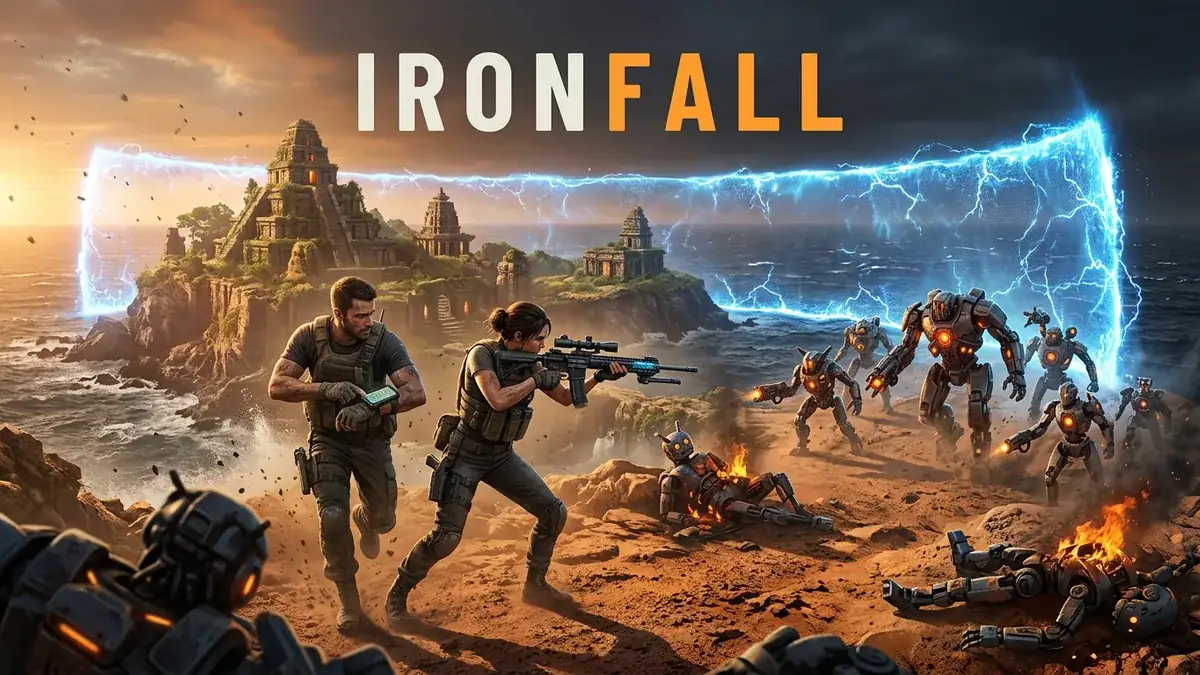
Made by Gamer
About IRONFALL
- Kind: Fighting, Multiplayer
- Played together: send somebody the link and you are both in.
- Played 1,818 times
- Published 2026-09-06
- Mode: multiplayer
- Runs in a web browser, on a phone or a laptop. Free to play.
How to play IRONFALL
Goal: Defeat opposing players while staying alive and managing your health and ammo.
Controls
- W A S D, Arrow keys: move
- mouse or touch: look around and aim
- mouse or touch: fire weapon
- Space: jump
- Left Shift: sprint
- C: crouch or stand
- Z: go prone or crouch
- Ctrl: toggle aim lock
Your first game
- Move around the map with W A S D or arrow keys
- Pick up weapons, ammo, and health items by pressing F near them
- Aim with the mouse and fire with the mouse button or E
- Use C or Z to crouch or go prone for cover, Shift to sprint
- Reload with R and heal with H when needed
FAQ
What kind of game is Ironfall?
Ironfall is a first-person shooter where you move through a map, collect weapons and ammunition, and fight other players or enemies.
Is Ironfall a multiplayer game?
Yes, Ironfall features a multiplayer mode where you compete against other players.
What is the goal in Ironfall?
The goal is to defeat opposing players while staying alive and managing your health and ammo.
What are the basic controls for Ironfall?
You move using the WASD or arrow keys and aim and fire using the mouse or touch controls. Additional actions include jumping with Space, sprinting with Left Shift, crouching with C, going prone with Z, reloading with R, and healing with H.
More fighting games
- Wreck County Last Ride
- Teenage Mutant Ninja Rats
- Bakersfield Rebels
- KITE CLASH: Monsoon Skies
- Hard Knoccz
- Lugaru HD (OSS edition)