Jigsaw Puzzle
Pick a storybook picture and a number of pieces, open the box, then drag the pieces onto the board with a finger or the mouse until the jigsaw is complete.
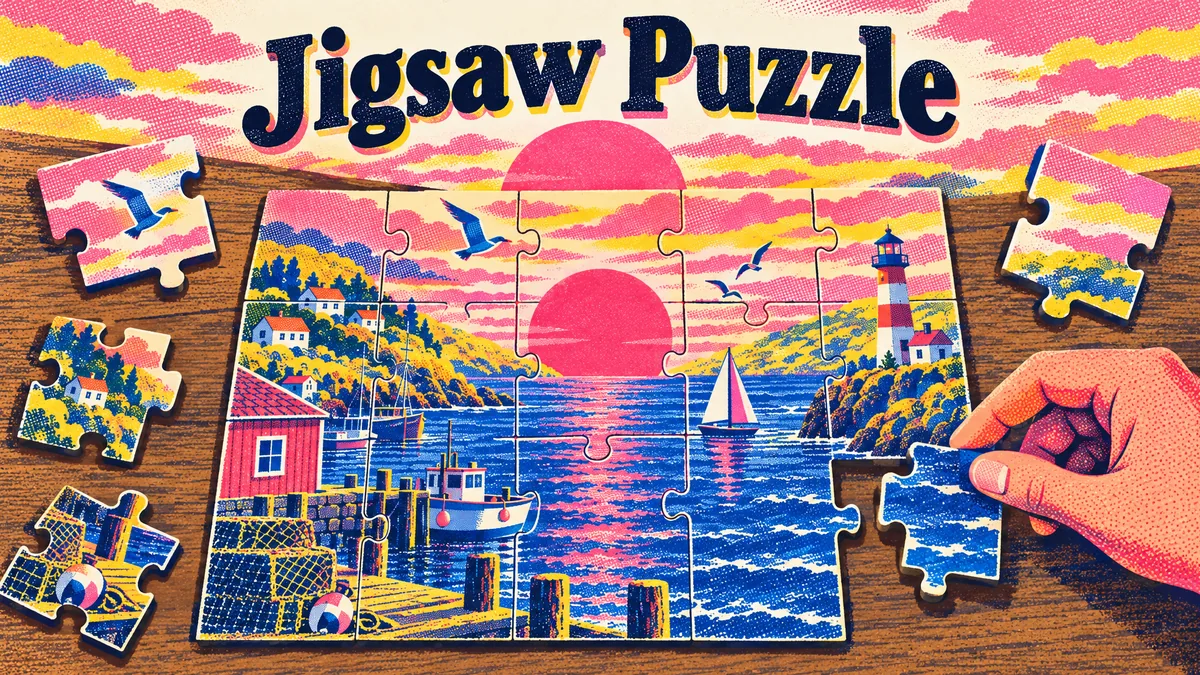
Made by Masiv
About Jigsaw Puzzle
- Kind: Puzzle
- Played 34 times
- Published 2026-10-19
- Mode: single player
- Runs in a web browser, on a phone or a laptop. Free to play.
How to play Jigsaw Puzzle
Goal: Place every piece in its correct spot to complete the picture.
Controls
- mouse or touch: drag pieces onto the board
- Enter: open the box / confirm
Your first game
- Choose a storybook picture
- Choose a number of pieces
- Open the box
- Drag pieces onto the board with mouse or finger
- Keep placing pieces until the puzzle is complete
FAQ
What is Jigsaw Puzzle?
It is a single-player puzzle game where you assemble storybook illustrations. You place scattered puzzle pieces onto the board until the full picture is complete.
How do you play Jigsaw Puzzle?
Select a storybook picture and choose a piece count, then open the box. Drag the pieces onto the board using a mouse or touchscreen until every piece is in its correct place.
Can you choose the difficulty or picture?
Yes, you can pick which storybook picture to solve and select the number of pieces before you open the box.
What controls does the game use?
You can drag pieces onto the board with a mouse or touch input. The Enter key is used to confirm and open the puzzle box.