Netslide
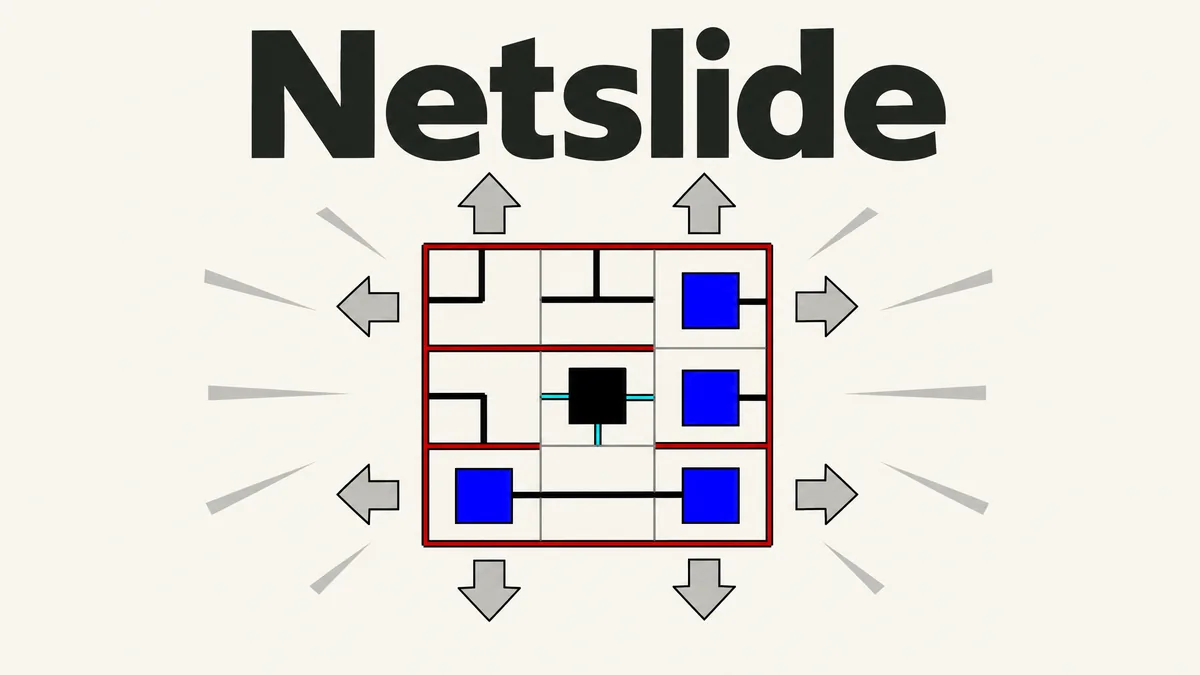
Slide rows and columns to connect every tile to the central network.
Made by Mindblown
About Netslide
- Kind: Puzzle
- Played 9 times
- Published 2026-11-02
- Mode: single player
- Runs in a web browser, on a phone or a laptop. Free to play.
How to play Netslide
Goal: Arrange the tiles by sliding rows and columns so every tile connects into one network centered on the middle tile.
Controls
- mouse: slide rows and columns by clicking the arrows around the grid
- touch: slide rows and columns by tapping the arrows around the grid
- Escape: close an open menu or panel
Your first game
- Look at the grid and see which tiles are already connected to the center
- Click or tap the arrows around a row or column to slide it
- Keep sliding rows and columns to line up the pipe connections
- Check if a tile's connections turn a different color when linked to the network
- Continue until every tile is connected to the central network
FAQ
What is Netslide?
Netslide is a single-player puzzle from Simon Tatham's Portable Puzzle Collection. It features a grid of pipe pieces that can be shifted by sliding entire rows and columns.
What is the goal of the game?
The goal is to slide the rows and columns until all pipe pieces link together into a single connected network attached to the center.
How do you control the game?
Click or tap the arrows around the grid edges, or click the tiles, to slide rows and columns. Pressing Escape closes open menus or panels.