Notebook Tanks
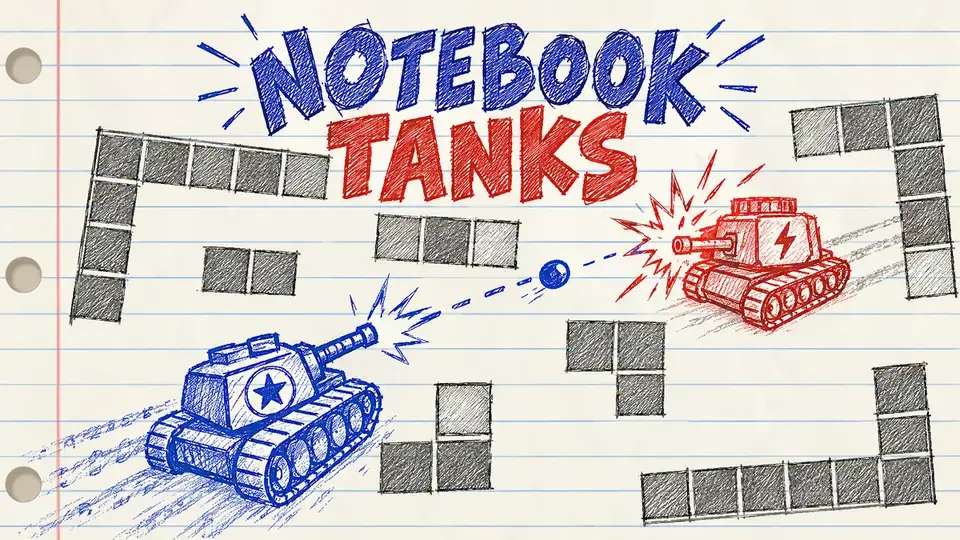
Drive a doodled tank across a notebook page and shoot the other one: a two player (or you against the computer) ricochet tank duel drawn in pen and pencil.
Made by Dũng Trần
About Notebook Tanks
- Kind: Shooter
- Played 20 times
- Published 2026-10-23
- Mode: single player against the computer
- Mode: two players on one device
- Runs in a web browser, on a phone or a laptop. Free to play.
How to play Notebook Tanks
Goal: Hit the other tank with ricocheting shots while avoiding being hit yourself.
Controls
- Space, Enter: confirm menu choice or fire (depending on player), restart after a match ends
- Digit 1: select one player mode (vs computer)
- Digit 2: select two player mode
- KeyH, Escape, KeyP: open help screen
Your first game
- Open the menu and press 1 for versus computer or 2 for two players
- Press Space or Enter to start the match
- Drive your tank around the walls using your movement keys
- Fire bullets at the opposing tank, using ricochets off walls to hit around corners
- Press R to restart after the match ends
FAQ
What kind of game is Notebook Tanks?
It is a 2D tank shooter designed in a pen-and-pencil doodle style on a lined notebook page. You maneuver around hand-drawn walls and fire bullets that ricochet off obstacles to destroy the enemy tank.
Can you play with a friend?
Yes. The game includes a two-player mode on one device as well as a single-player mode against the computer.
How do you start and restart a match?
From the menu, press 1 for single-player mode or 2 for two-player mode, then press Space or Enter to begin. After a round ends, press R to restart.