Piano Tiles
Piano Tiles is a lane-based rhythm game where tiles scroll down four lanes and you tap or press keys as they reach the bottom. You pick a song from a music list, then hit the correct lane in time with the notes to build a combo and score. Missing a tile or hitting the wrong lane ends or hurts your run.
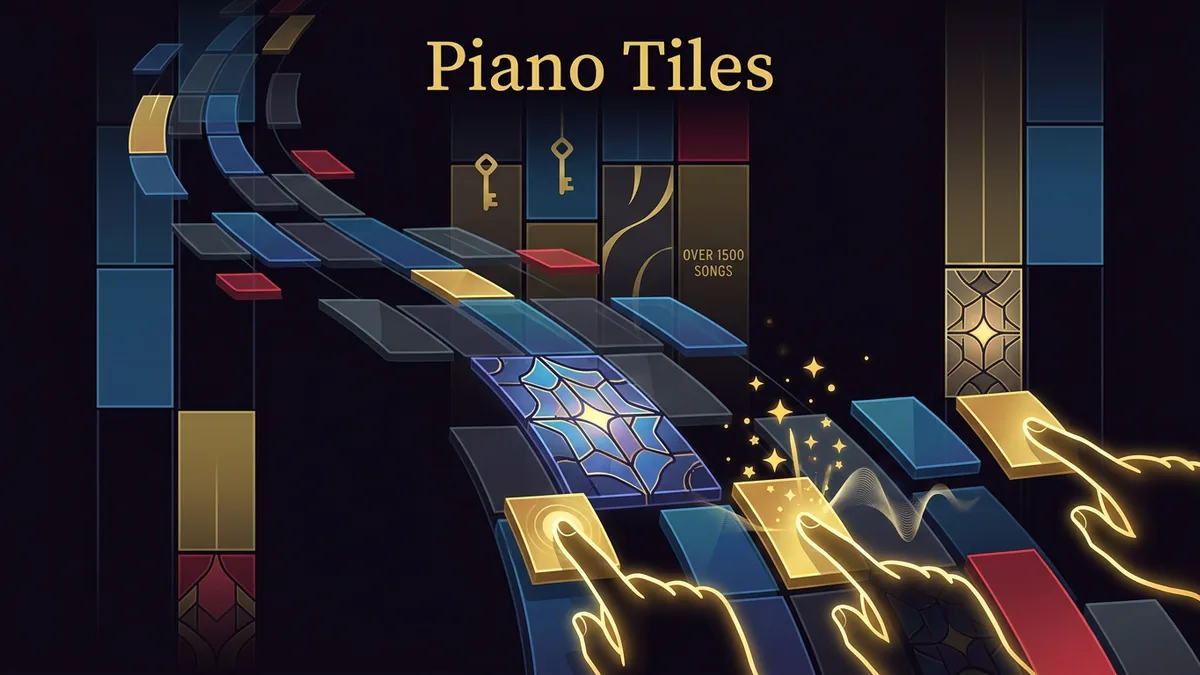
Made by MindblownAI
About Piano Tiles
- Kind: Runner
- Played 73 times
- Published 2026-09-16
- Mode: single player
- Runs in a web browser, on a phone or a laptop. Free to play.
How to play Piano Tiles
Goal: Hit as many tiles correctly in time as you can without missing, to get the highest score on the chosen song.
Controls
- Arrow keys: hit the corresponding lane (left to right)
- Space or Enter: start or advance
- Escape: pause or resume the run
- mouse or touch: tap a lane to hit a tile
Your first game
- Choose a song from the music list
- Watch the tiles scroll down one of four lanes
- Press the matching key or tap/click the lane when a tile reaches the bottom
- Keep hitting tiles in rhythm to build your combo and score
- Press Escape to pause or resume the run
FAQ
How do you play Piano Tiles?
Tiles scroll down four lanes to the rhythm of a selected song. You tap the lanes or press the matching arrow keys as each tile hits the bottom to build combos and earn points.
Can you play Piano Tiles with a keyboard?
Yes. You can use the arrow keys to hit each of the four lanes from left to right. You can also use Space or Enter to start and Escape to pause or resume.
What is the goal in Piano Tiles?
The goal is to hit as many tiles accurately in rhythm as you can without missing to earn the highest score on your chosen song.
What happens if you miss a tile?
Missing a tile or pressing the wrong lane hurts your score or ends the run.