Taco Shift: Run to Work
An AR-style arcade fight on a night street. Lock onto the thugs blocking your commute and fight your way to work with five taco specials.
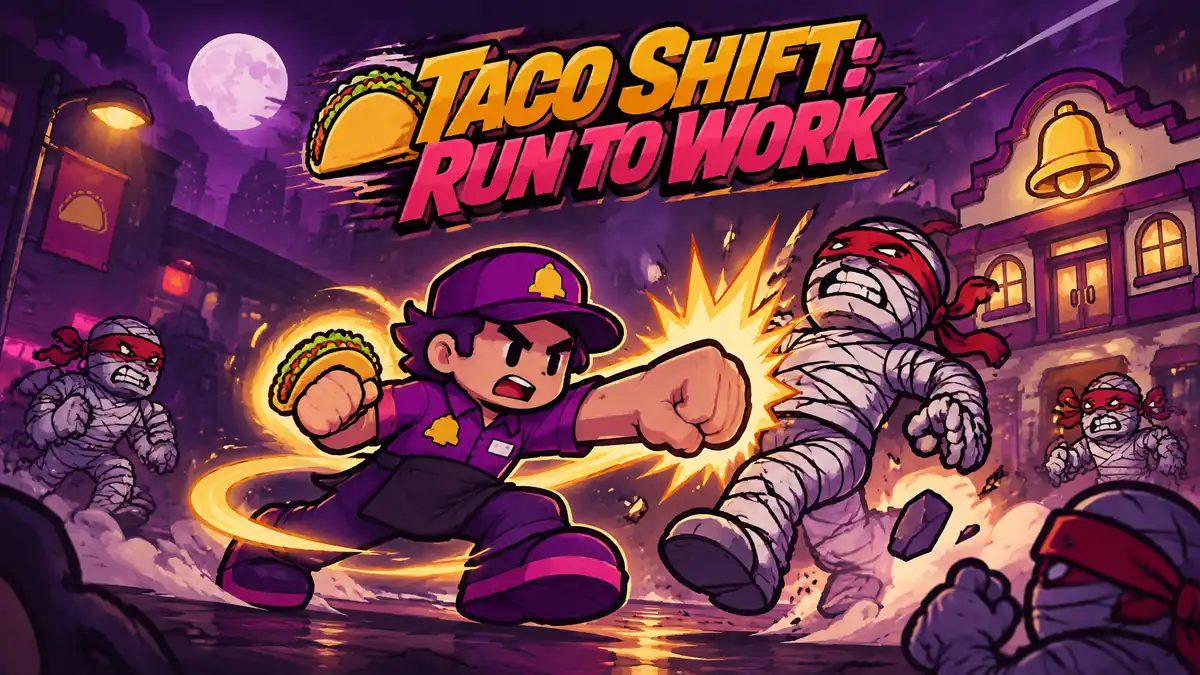
Made by Shawn Achemire
About Taco Shift: Run to Work
You play a taco shop worker fighting through mummy-like thugs on a night street to get to work. You lock onto enemies, cycle between targets, and use five taco special attacks to knock them out.
- Kind: Fighting
- Played 9 times
- Published 2026-11-11
- Mode: single player
- Runs in a web browser, on a phone or a laptop. Free to play.
How to play Taco Shift: Run to Work
Goal: Fight off the enemies blocking your way and survive the commute to work.
Controls
- Left Arrow: cycle target to the left
- Right Arrow: cycle target to the right
- Enter: confirm or perform primary action
- Space: start the game
- Escape: pause or close menus
- mouse or touch: interact with on-screen controls
Your first game
- Press Space to start.
- Use Left and Right Arrow to pick a target among the enemies.
- Press number keys 1 to 5 to unleash taco special attacks on the locked target.
- Keep defeating thugs to keep moving toward work.
- Use Escape to pause if needed.
FAQ
What is Taco Shift: Run to Work about?
It is an arcade fighting game where you play as a taco shop employee commuting on a night street. You must fight through mummy-like thugs blocking your path to survive and make it to your shift.
How do you attack enemies in the game?
You lock onto enemies and switch targets using the Left and Right Arrow keys. Once an enemy is targeted, you press number keys 1 through 5 to trigger five different taco special attacks.
What are the controls for the game?
Press Space to start and Escape to pause. Use the Left and Right Arrow keys to cycle targets, Enter for primary actions, number keys 1 through 5 for special attacks, or play using mouse and touch controls.