Need for Speed - Prototype
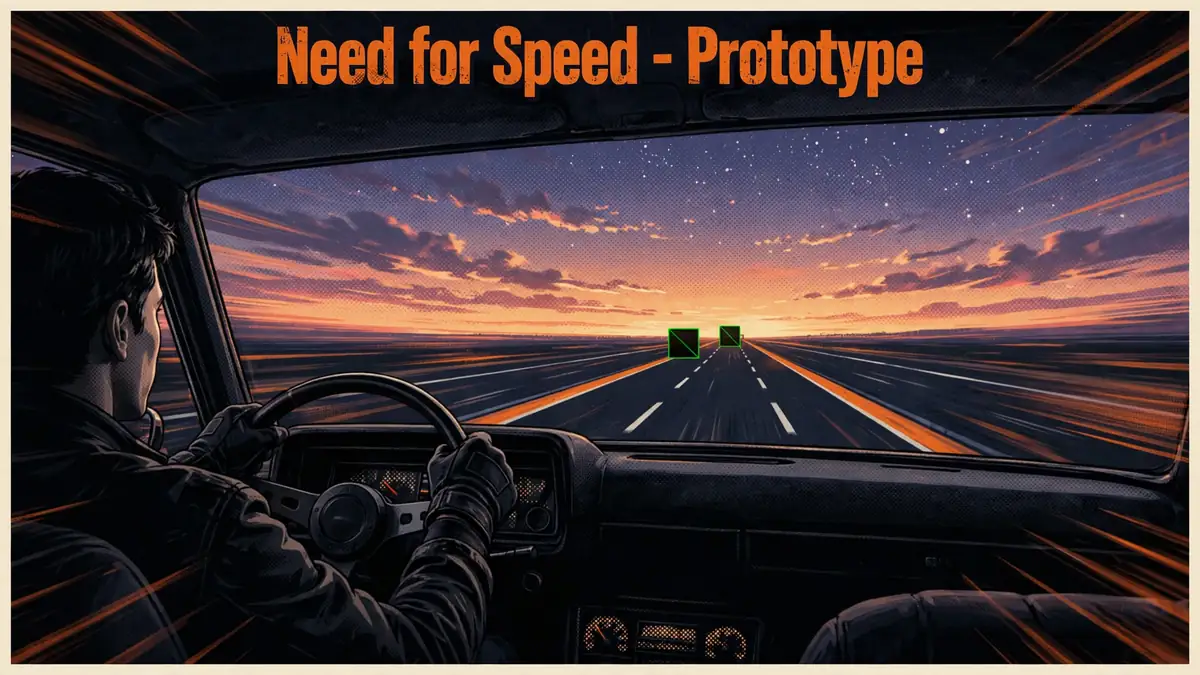
Drive a flat-printed night highway: steer, burn the boost and shave past traffic before the wreck ends your run.
Made by Austin Parker
About Need for Speed - Prototype
You drive a car down a night highway, steering between lanes to dodge oncoming traffic while racking up score. You can hold boost to speed up and brake when you need to slow down and avoid a crash.
- Kind: Racing, Car games, Runner
- Played 37 times
- Published 2026-11-23
- Mode: single player
- Runs in a web browser, on a phone or a laptop. Free to play.
How to play Need for Speed - Prototype
Goal: Weave past traffic for as long as possible without crashing to get the highest score.
Controls
- Arrow keys or A/D: steer left or right
- Space, Left Shift, or W / Arrow Up: hold to boost
- Arrow Down or S: brake
- Space or Enter: start the run from the menu
- R: restart (quick restart during play, or from result screen)
- mouse or touch: control the car
Your first game
- Press Space or Enter to start the run
- Steer with the arrow keys or A/D to move between lanes
- Hold boost (Space, Shift, or W/Up) to go faster
- Brake (Down/S) when you need to slow down to avoid traffic
- Press R to restart if you crash or want a fresh run
FAQ
What is the goal in Need for Speed - Prototype?
The goal is to drive down a highway and weave through traffic for as long as possible without crashing to achieve a high score.
What are the controls for the car?
You can steer left or right using the arrow keys, A and D, or mouse and touch controls. Hold Space, Left Shift, W, or Up Arrow to boost, and press S or Down Arrow to brake.
More racing games
- Gravel Rally World 1.0
- Underdog Grid
- NEON ROADSTER X
- Glitter Racer 3D
- Crypto Drag Race
- Car Game Mod
- Moto Paris
- Free Drive
- Supermarket Sprint
- Indian Bike Game: Desi Rider 3D
- London Street Race
- Offroad Manya