Chicago Street Drive
North 2 South Street Elite
Made by Dewoness Hawkins
About Chicago Street Drive
- Kind: Simulation, Places
- Played 18 times
- Published 2026-11-03
- Mode: single player
- Runs in a web browser, on a phone or a laptop. Free to play.
How to play Chicago Street Drive
Goal: Drive as far as possible without crashing.
Controls
- Space: handbrake / start game
- Enter: start game
- R: restart run
- H / Escape: open or close help
- mouse or touch: control the car
Your first game
- Press Space or Enter to start the drive
- Use the arrow keys or A/D to steer left and right
- Press Arrow Up to speed up and Arrow Down to brake
- Avoid other cars and the train as you move down the street
- Press R to restart if you crash
FAQ
What is the goal of Chicago Street Drive?
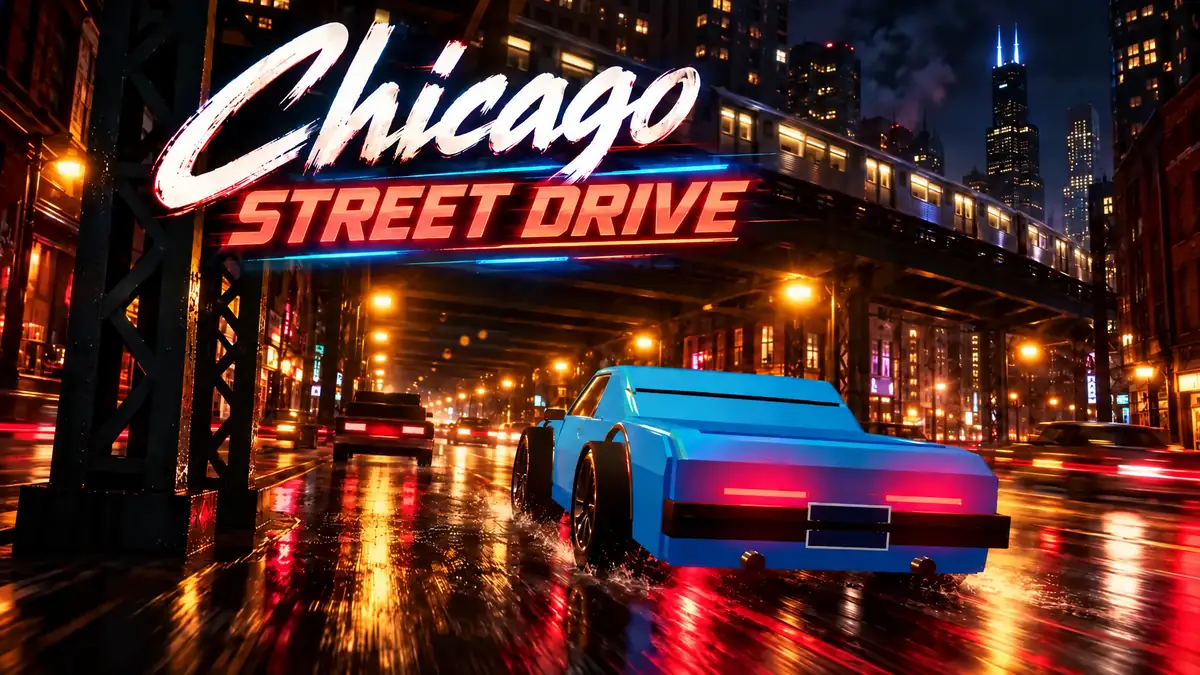
The goal is to drive as far as possible along a rainy Chicago street at night without crashing. Players steer between lanes to avoid obstacles such as other vehicles and the elevated train.
How do you control the car in Chicago Street Drive?
You can steer using the arrow keys, A and D, or mouse and touch controls. Use the Up Arrow to accelerate, the Down Arrow to brake, Space for the handbrake, and R to restart after a crash.
Is Chicago Street Drive multiplayer?
No, it is a single-player game.