Spacebar Clicker
Press the spacebar to launch your rocket, earn coins and unlock upgrades in this spacebar clicker game. Switch to Speed Test to count your presses per second.
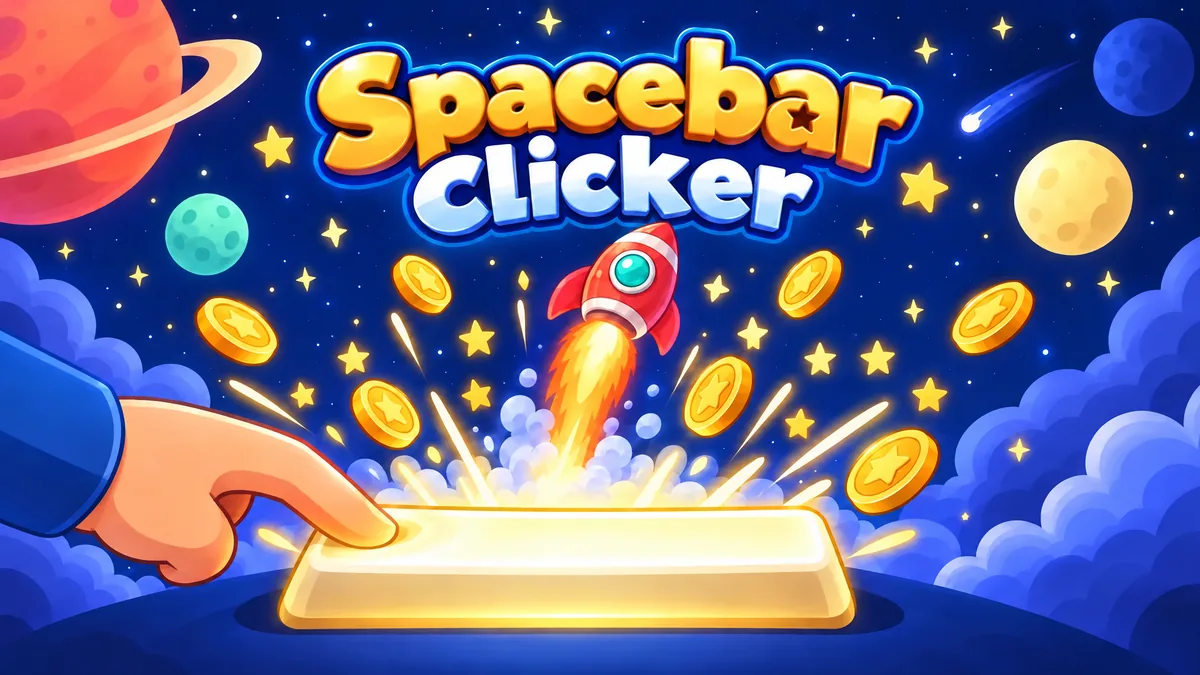
Made by Mary Hovsepyan
About Spacebar Clicker
- Kind: Simulation
- Played 33 times
- Published 2026-11-02
- Mode: single player
- Runs in a web browser, on a phone or a laptop. Free to play.
How to play Spacebar Clicker
Goal: Earn as many coins as possible by pressing the spacebar and unlocking upgrades, or beat your best presses per second in Speed Test mode.
Controls
- Space: press to launch the rocket and earn coins, or register a press in Speed Test mode
- mouse or touch: tap the rocket or buttons to press and interact with the menu
- M: mute or unmute sound
- U: toggle the upgrades panel
- Escape: close the leaderboard or return to the menu
Your first game
- Open the game and choose Clicker or Speed Test mode
- Press the spacebar or tap the rocket to earn coins
- Open the upgrades panel to spend coins on boosts
- Switch to Speed Test to count presses per second
- Check the leaderboard to compare your best score
FAQ
Can I play Spacebar Clicker without a keyboard?
Yes. On a phone or tablet, tap the screen. On a computer, you can also click with your mouse instead of pressing the spacebar.
What game modes are in this spacebar clicker game?
There are two. In Clicker mode, every spacebar press launches your rocket higher and earns coins for upgrades. In Speed Test mode, the game works as a spacebar counter and shows how many presses you can do in 5, 10, 30 or 60 seconds.
How many times can you press the spacebar in 10 seconds?
Most people get about 60 to 80 presses in 10 seconds, which is 6 to 8 presses per second. Take the spacebar speed test to see where you stand and beat your own record.
How does the spacebar CPS test calculate my score?
The game divides your total presses by the timer length. For example, 50 presses in 10 seconds gives you 5 presses per second.
How can I press the spacebar faster?
Try using two thumbs or switching between two fingers instead of one. Keep your hand relaxed, start with the 5 or 10 second spacebar test, and practice a few rounds to build up your speed.