JC IT LAB MOUSE CLICK CHALLENGE
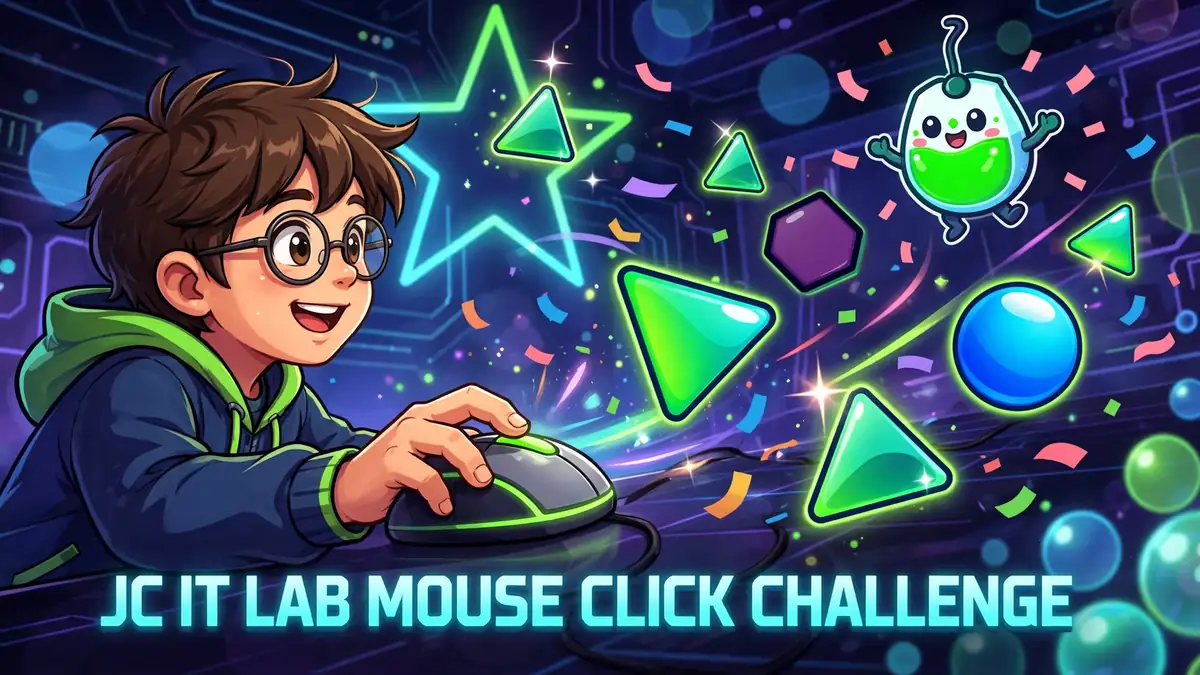
A glowing night-lab arcade where kids in grades 1 to 8 click through five quick learning games and earn stars.
Made by Jesus Casim
About JC IT LAB MOUSE CLICK CHALLENGE
You play a glowing night-lab arcade where you click through five quick learning games aimed at grades 1 to 8, picking the right shapes or answers as they appear on screen. A mascot and star rewards track how well you do as you move through the challenges.
- Played 104 times
- Published 2026-11-22
- Mode: single player
- Runs in a web browser, on a phone or a laptop. Free to play.
How to play JC IT LAB MOUSE CLICK CHALLENGE
Goal: Click the correct answers in each of the five games to earn stars and build a high score.
Controls
- mouse: click the correct shape or answer
- touch: tap the correct shape or answer
- Enter: advance through the guide screen
- Escape: close the scores popup
Your first game
- Open the guide screen and read the instructions
- Press Enter or Space to move past the guide
- Click or tap the correct shape or answer when it appears
- Keep clicking correctly to build combos and earn stars
- Check your results on the scores screen, closing it with Escape
FAQ
What is JC IT LAB MOUSE CLICK CHALLENGE?
It is an educational arcade game set in a glowing night lab. Players complete five quick challenges where they click or tap the correct shapes and answers to earn stars and build a high score.
Who is this game designed for?
The game is designed for students in grades 1 to 8.
What are the controls?
Click with a mouse or tap the screen to select the correct shape or answer. Press Enter or Space to advance past the guide screen, and press Escape to close the scores popup.