JC IT LAB WRITING LAB
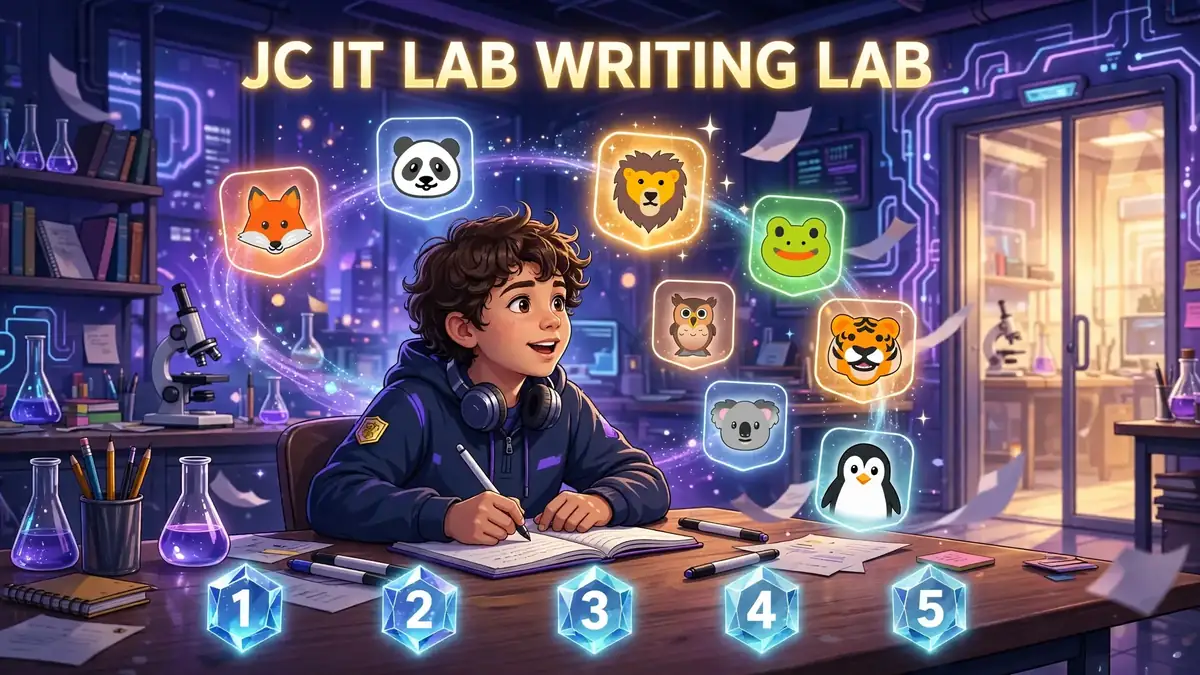
A colorful writing and typing lab for grades 1 to 8: pick an avatar, enter the lab, and build speed and accuracy in timed typing drills.
Made by Jesus Casim
About JC IT LAB WRITING LAB
JC IT Lab Writing Lab is a typing practice app for grades 1 to 8. You pick an avatar, enter the lab, and work through timed typing drills built from words and sentences to build speed and accuracy. Progress such as stars and best scores is tracked as you go.
- Kind: Arcade
- Played 20 times
- Published 2026-11-23
- Mode: single player
- Runs in a web browser, on a phone or a laptop. Free to play.
How to play JC IT LAB WRITING LAB
Goal: Type the given words or sentences as quickly and accurately as possible before time runs out.
Controls
- Arrow keys: Move forward or back through the guide screens
- Tab: Move focus between elements inside the open guide or stats window
- Escape: Close the open guide or stats window
Your first game
- Pick an avatar to use in the lab.
- Enter the writing lab.
- Choose a grade or mode and start a typing drill.
- Type the words or sentences shown as fast and accurately as you can.
- Check your stats and progress after the drill ends.
FAQ
What is JC IT Lab Writing Lab?
It is a single-player typing practice application designed for students in grades 1 to 8. Users pick an avatar and complete timed typing drills featuring words and sentences to improve speed and accuracy.
How is progress tracked in the drills?
The application tracks your progress by recording your best scores and awarding stars after each typing drill.
What keyboard controls are used to navigate guides and menus?
Arrow keys move forward or backward through guide screens, Tab shifts focus between elements inside a guide or stats window, and Escape closes the open window.
More arcade games
- Alien Shopper
- Paddle Rogue
- Don't Make a Sound
- Daudne Wala Game: Desi Dash
- Bottle Flip: Perfect Landing
- Drum War
- Rogue Block
- Lots Full
- JC ITLAB Typing Challenge
- Karen Cruncher!
- Shopping Madness
- JC IT LAB MOUSE CLICK CHALLENGE