Toronto Map
Explore a realistic map of Toronto, then walk and drive its streets from Nathan Phillips Square to the lake, the Don Valley and the Annex.
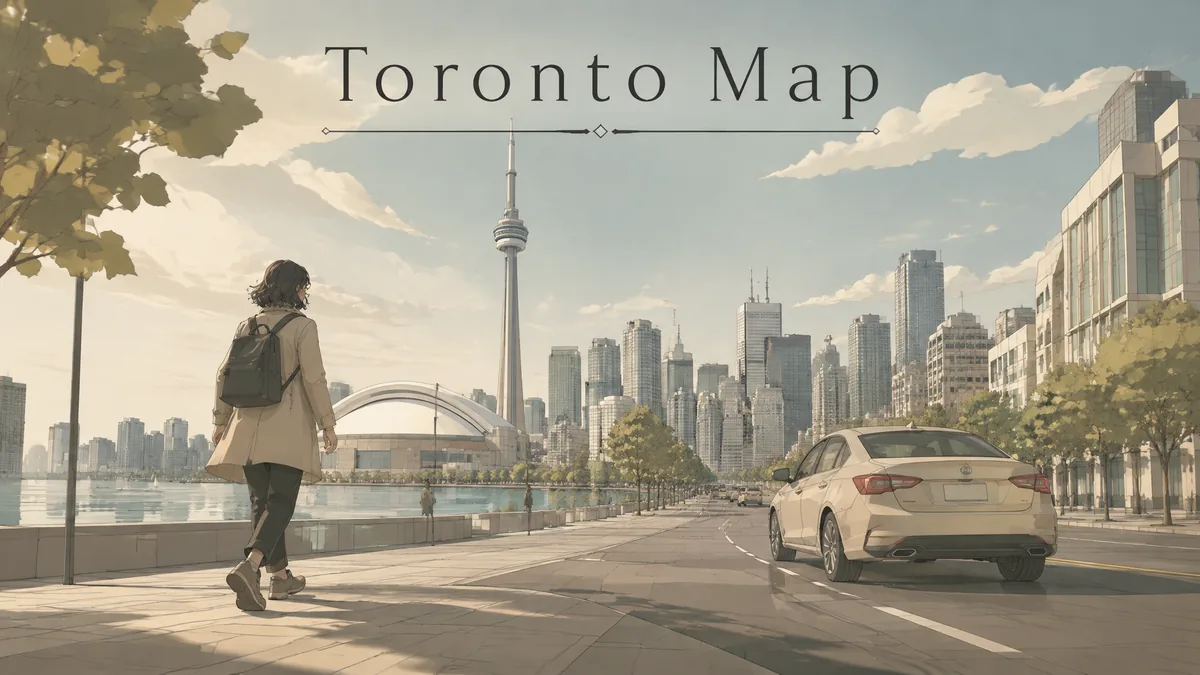
Made by sqwid ward
About Toronto Map
This page drops you into a 3D recreation of Toronto that you can walk or drive through. You move around the streets on foot, can hop into a car to drive, and can open a map view to see the city from above. It is a free-roam exploration of the city rather than a game with a goal.
- Kind: Places, Driving simulators, Simulation
- Played 192 times
- Published 2026-11-15
- Mode: single player
- Runs in a web browser, on a phone or a laptop. Free to play.
How to play Toronto Map
Controls
- W A S D, Arrow keys: walk or drive around
- Left Shift: run while walking
- Space: brake while driving
- E: get in or out of the car
- M: open or close the map
- Escape: close the map
- 0: reset the map view
- mouse or touch: look around or control movement on touch devices
Your first game
- Start on foot in the city
- Use W A S D or the Arrow keys to walk down the streets
- Hold Left Shift to run
- Press E near a car to drive it, then use the same keys to steer and Space to brake
- Press M to open the map and see where you are
FAQ
What can you do in Toronto Map?
You can explore a 3D recreation of Toronto on foot or by driving a car. The environment covers areas such as Nathan Phillips Square, the lakefront, the Don Valley, and the Annex.
Is there a goal or mission to complete?
No, there are no missions or goals. It is a single-player free-roam simulation where you explore the city at your own pace.
How do you drive a car in the simulation?
Walk up to a car and press E to enter it. Use the W, A, S, and D keys or the arrow keys to drive, and press the spacebar to brake. Press E again to exit.
How do you view the full city map?
Press M to open or close the overhead map view. You can press Escape to exit the map view or press 0 to reset it.
More places games
- Open Roam - Core
- Salamis Trireme
- Open City Drive Sim
- Google Earth Drive 3D Jets
- Monk Temple Shop
- Asia Driving Sim Chongqing
- Pocket Flight - prototype
- Google Earth Drive
- Wildlands
- Ticket Rush
- Teleoperator Herlev
- AI Sandbox